Behavioral health
Your systems in one store, so leadership sees what is happening now.
You run a community-based provider, or a parent organization with several agencies. Your EHR, billing, payroll, and care planning systems each hold part of the picture, and a monthly report shows you what happened weeks after it happened. Payers expect you to prove service volume and outcomes, staffing decisions get made on instinct, and when a number is disputed your directors keep their own spreadsheets. Newtack brings the data from your systems into one store, and your EHR stays as it is. Your staff agree on how each number is defined, those metric definitions are kept in the store, and every view, report, and export shows the same figure.
The problem with separate systems
Each system holds a fragment of the story
Your EHR records visits and notes, your billing system records claims, and payroll records the hours staff worked. Each one counts the same month of work in its own way, so their totals do not agree. The figure a regional director gives you on Monday morning does not match the one finance reports.
Reports arrive too late
A monthly report shows you results weeks after the fact. By the time it reaches you, a staffing gap or a run of denied claims has already cost money.
Leaders cannot see what is happening this week
Someone has to pull a report to learn whether clients are receiving the care hours in their plans, or how much of your clinicians' time goes to care.
Rate negotiations happen without figures you can back up
You go into a payer meeting knowing the rate you need, without service figures to support it, and money is left on the table.
Staffing and program decisions rely on instinct
You decide where to add clinicians and which program to grow without a count of demand and staff capacity that everyone accepts.
Your systems in one store, with one set of numbers
Newtack copies the data from the systems you run today into one store. Those systems include EHR encounters and notes, EHR enrollments and census, care planning, staffing and payroll, billing and claims, payer contracts and grants, and outcomes instruments. In the store, every number follows a metric definition your staff agreed on, such as whether an attempted call counts as a contact or only a completed one. Because the metric definitions live in the store, every view, report, and export that reads from it shows the same figure. Newtack is in use today at a multi-state, multi-service community-based behavioral health organization.
The views leadership and program directors see
Leadership overview
On one screen, you and your leadership team see active clients, completed visits, care plan fulfillment, clinician utilization, submitted charges, and notes signed on time, each compared with the previous period or the same period last year. Care plan fulfillment is delivered care hours as a share of planned care hours. Clinician utilization is delivered care hours as a share of the clinical hours your clinicians had available after leave, closures, and nonclinical time. You can filter by service area, location, program, or clinician to find the part of the organization that needs attention. Average length of stay by program counts only stays that ended in the period. That number's information panel states the rule.
Care delivery
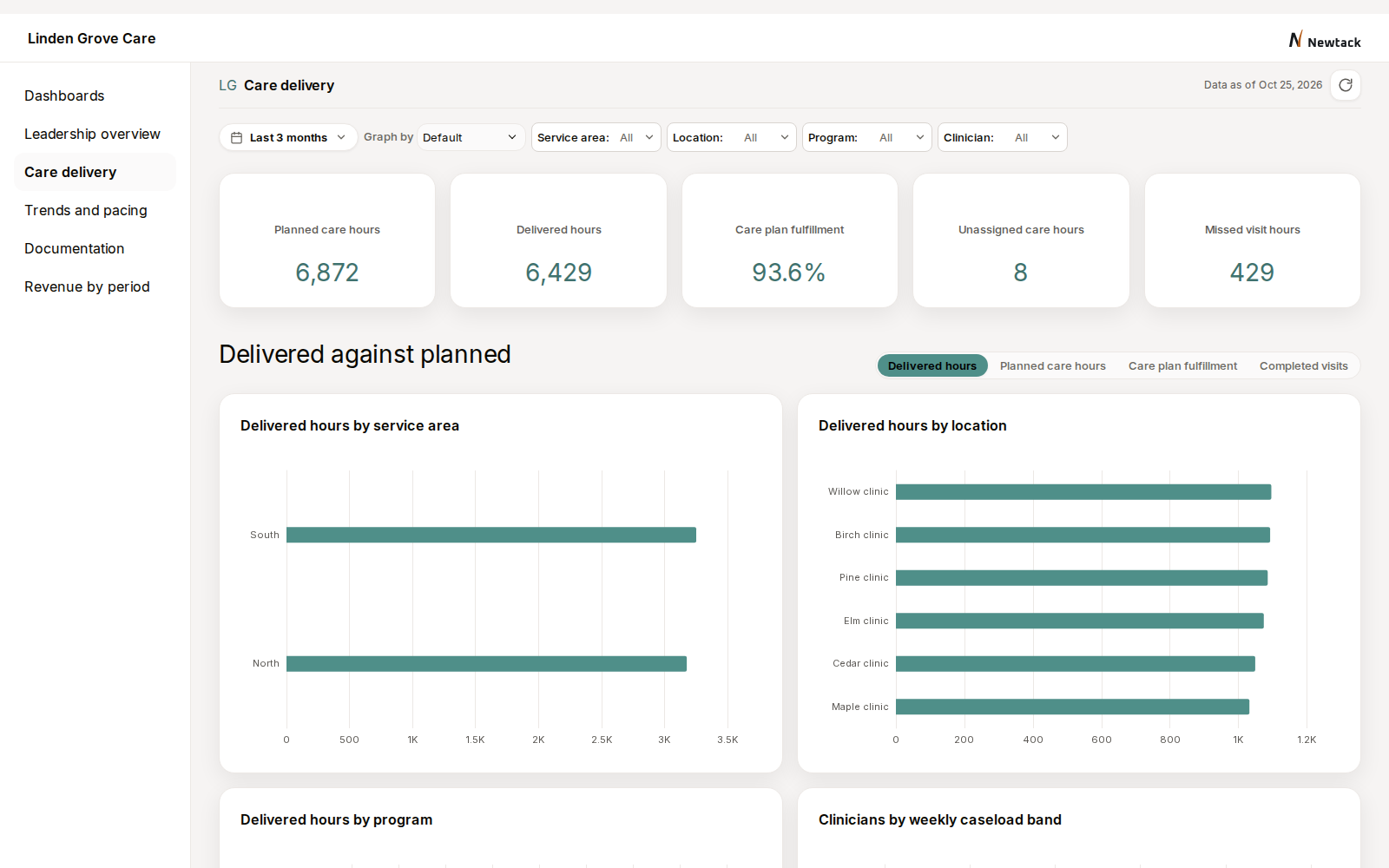
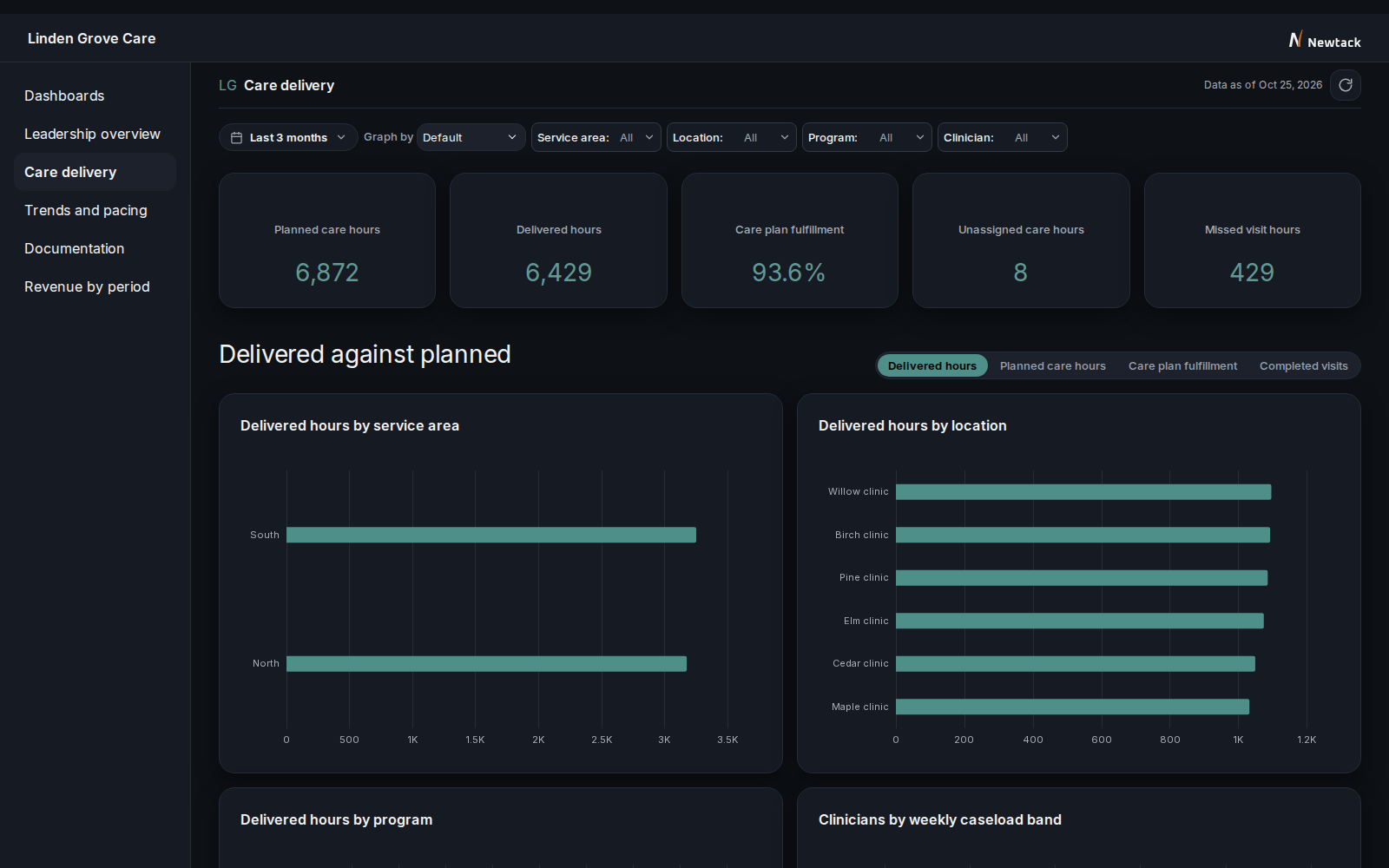
If you direct a program, you compare the care hours it planned with the hours it delivered, by service area, location, and clinician, down to the single visit. The Leadership overview shows that comparison as care plan fulfillment, the share of planned care hours delivered. For services billed by the hour, each planned hour that is not delivered is also an hour that is not billed, so that share is a revenue figure as well as a care figure. Planned hours with no clinician assigned show where a program is short of staff, so you know where to add or move clinicians.
Trends and pacing
You compare completed visits, delivered hours, submitted charges, and active clients with the previous period or the same period last year. Partway through a month, pacing charts show whether delivered hours and charges are on track, so a director can step in before the month closes.
Revenue by period
Your finance team sees submitted charges and claims by month, the mix by payer, and denied charges by reason, down to the individual claim. A claim that is corrected and resubmitted counts once, at its latest version. Claims arrive through the clearinghouse later than visits arrive from the EHR. Each figure's information panel shows when its data was last refreshed, so you know how current a claims figure is before you quote it to a payer. When you meet a payer about rates, that payer's charges and denials are already in front of you.
Documentation
Clinical supervisors see the share of notes signed within 48 hours of the visit, the notes coming due, and the overdue notes listed by clinician. They can follow up with each clinician by name before more notes become overdue.
Ask in plain language
You can ask a question in ordinary words, for example which programs delivered fewer care hours than planned last month. The answer follows the same metric definitions as every view, because it reads from the same store.
"Live dashboards, outcome data at the table, vacancy and utilization seen in advance, capacity and assessment gaps."
Try the demo
The demo works the same way the real product does, so you can see how the views behave before any of your own data is involved. It runs on sample data created for the demo. You can filter, compare periods, drill down to a single visit, and export what you see. The demo is read-only, so nothing you do changes a record.
Open the demo-
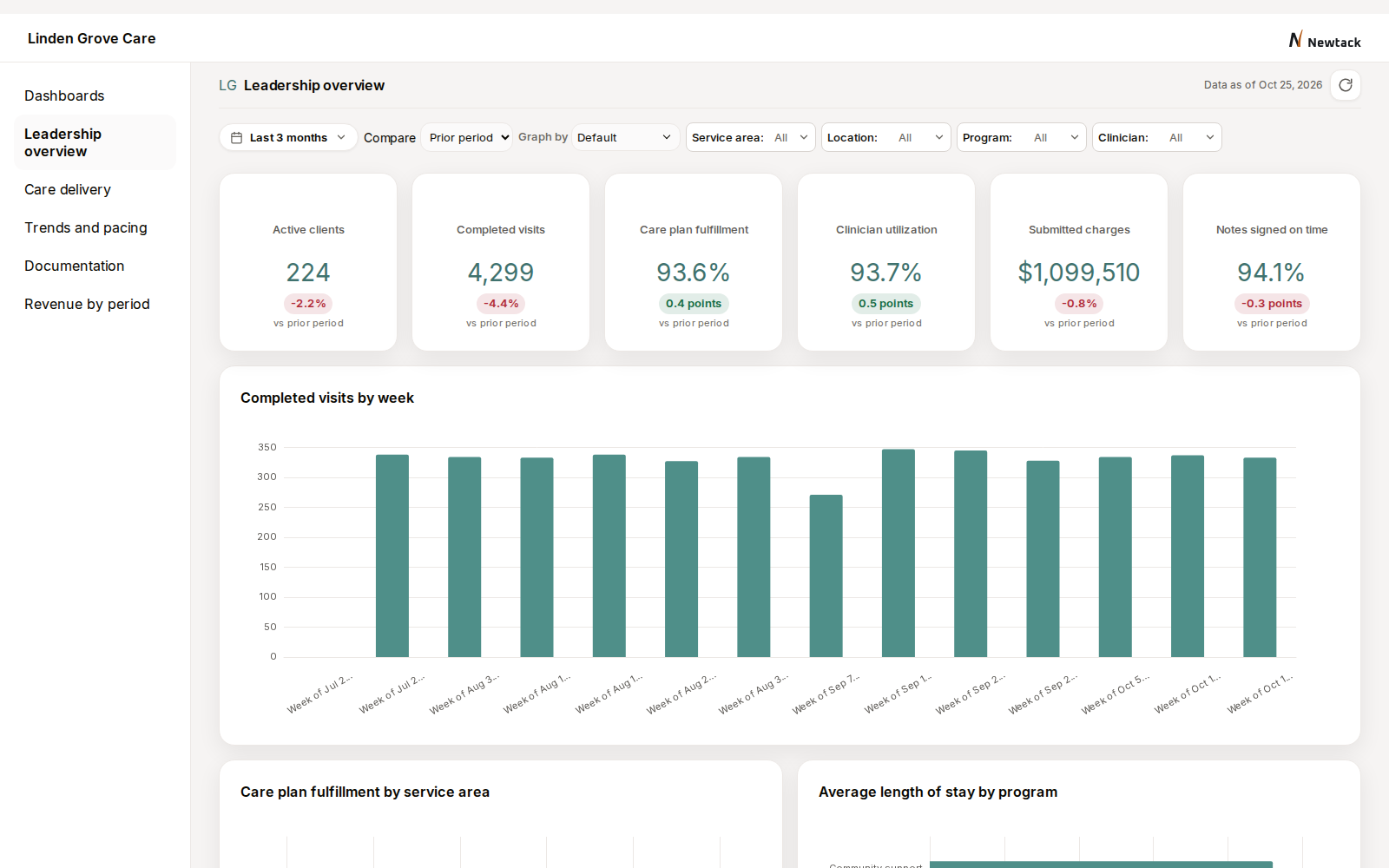
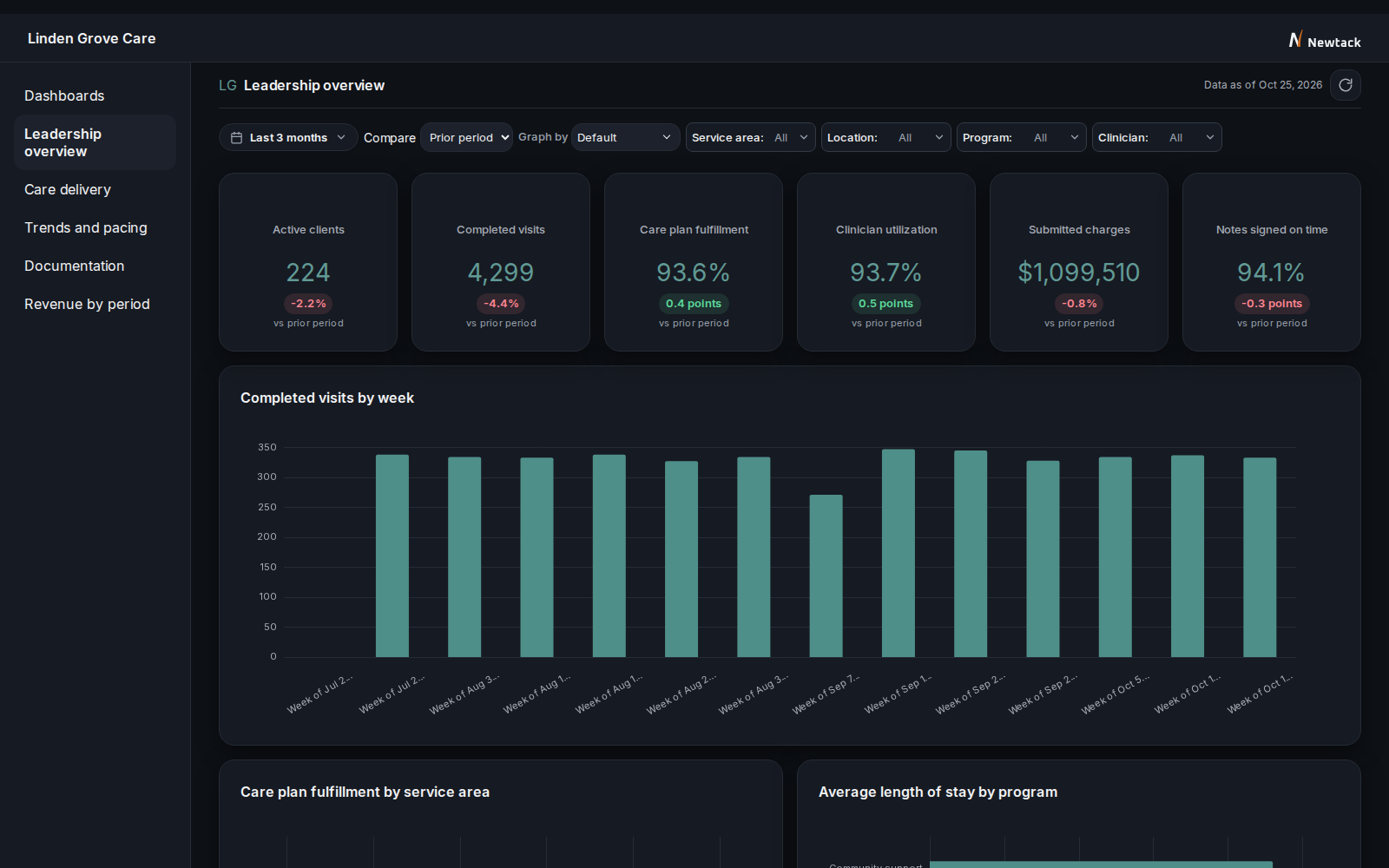
Leadership overview -
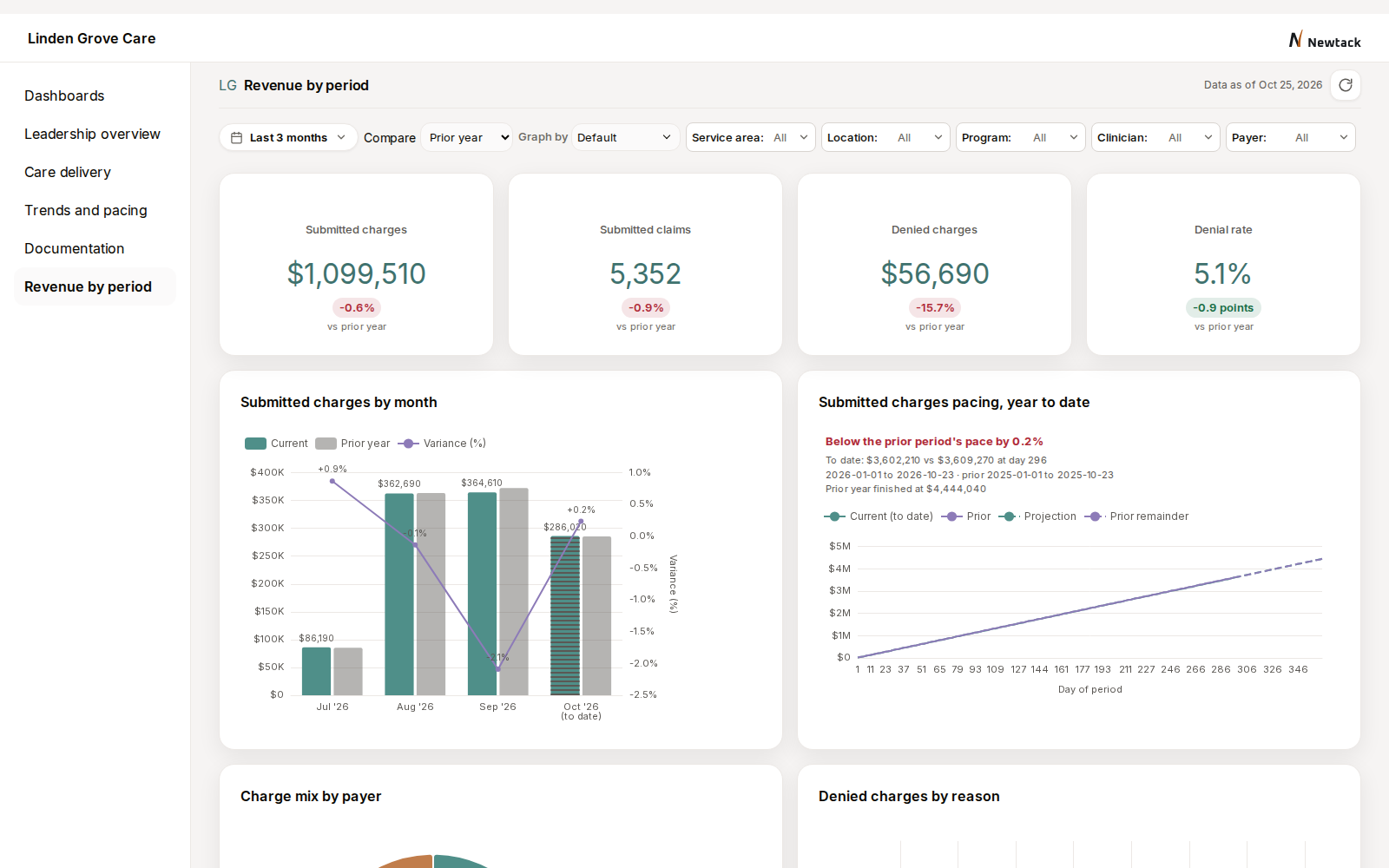
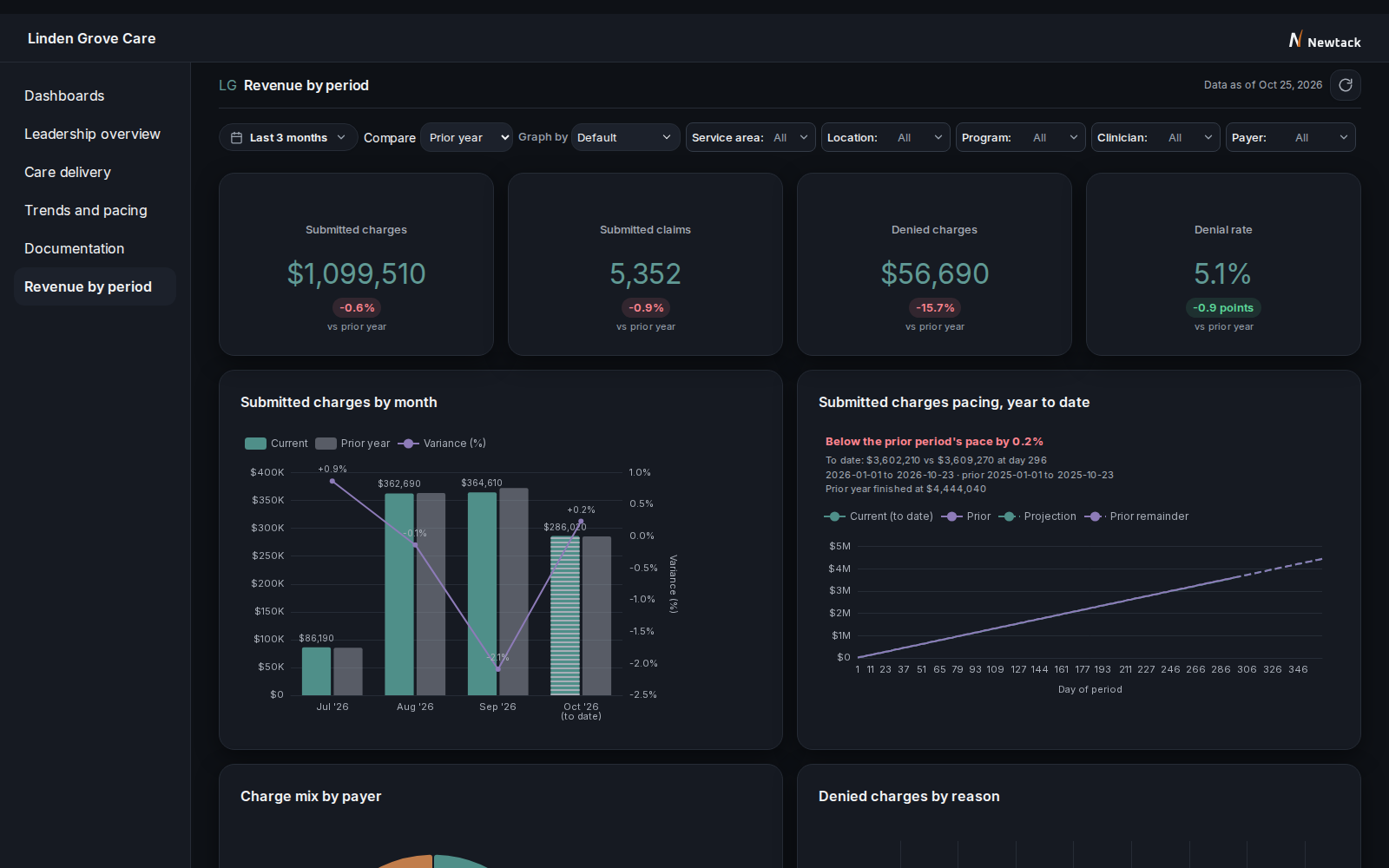
Revenue by period -
Care delivery
How it works
Start with one view
The work starts with one view, such as Revenue by period before your next rate negotiation. Your staff keep entering notes in the EHR the way they do now. Directors learn that one screen and check it against their own spreadsheets before a second view is added. Where a figure differs from a director's spreadsheet, the cause is either a metric definition or the data entry. A wrong metric definition is corrected in the store and stated in that number's information panel. Your staff correct data entry errors in the EHR. Setup time depends on how many systems the first view draws on and, if you run several agencies, how many of them start with it. We agree on both with you before setting a schedule.
Your staff agree on how each number is defined
Each metric definition is agreed with the staff who enter the data and written down once. Your staff decide, for example, whether an enrollment starts when the referral is accepted or at the first service, and whether a service counts on the day it was delivered or the day it was billed. SAMHSA's 2023 certification criteria for Certified Community Behavioral Health Clinics require those clinics to report a time-to-services measure. That measure depends on which date your staff count as the start of services. When a rule is wrong, it is changed in that one place and every view recalculates. When the data entry itself is inconsistent, you can follow the figures down by service area, location, and clinician to the single visit or claim behind them, and see where the problem is and what has to change in the field.
Every view reads the same numbers
Dashboards, reports, exports, and plain-language questions all read from the same store. Each number has an information panel that says how it is counted and when its data was last refreshed. The figure finance takes to the board for a month is the figure a program director sees for that month.
Write to us
"The biggest piece out of all this is partnership and collaboration, and we have that from you guys."
Write to us with a question, or to see how your own systems would come together in one store. We will reply and arrange a working session, where we map your systems with you and agree which view comes first. If you direct a program, open the demo and share what you see with the person in your organization who would decide whether to work with Newtack.